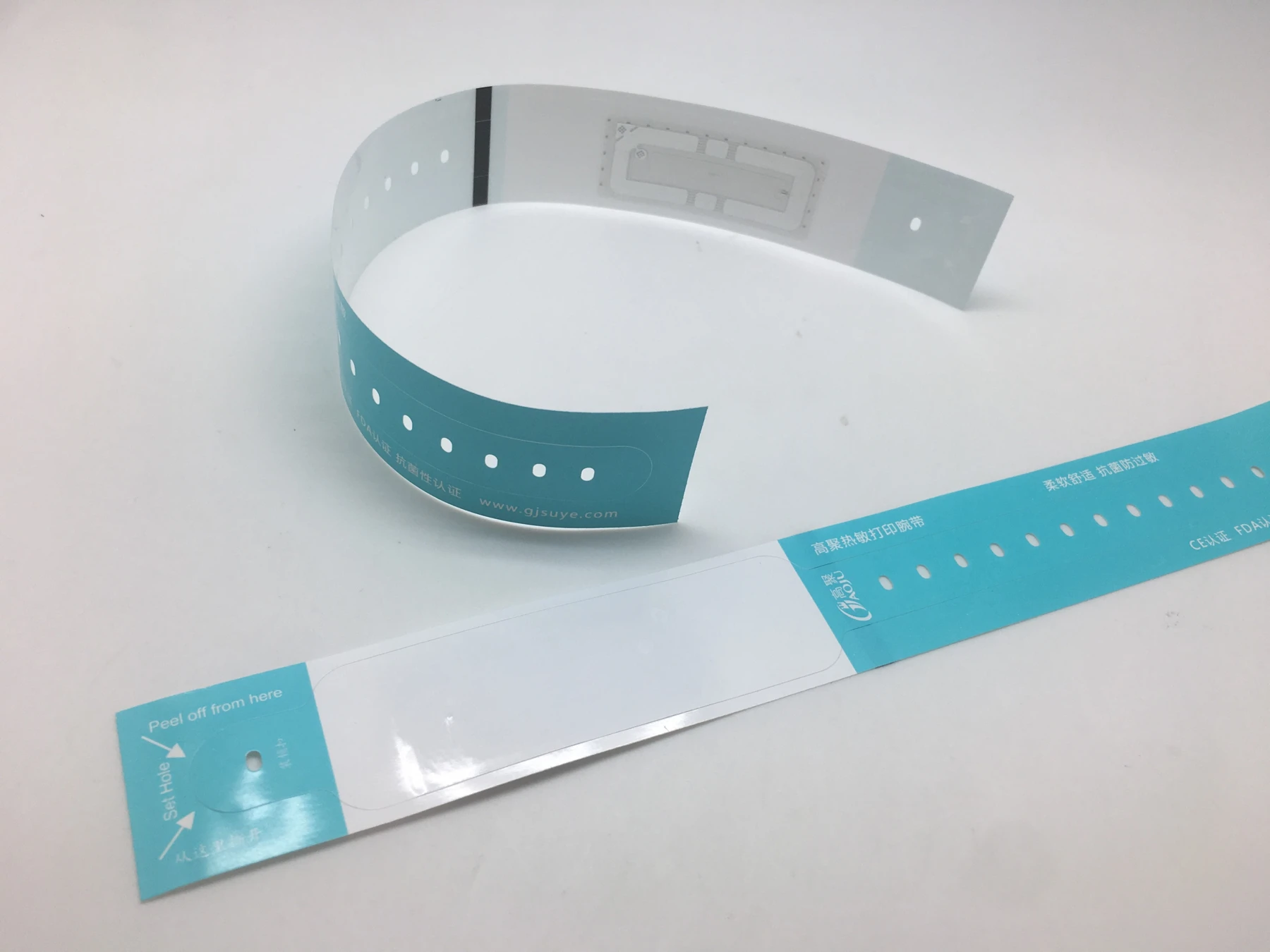
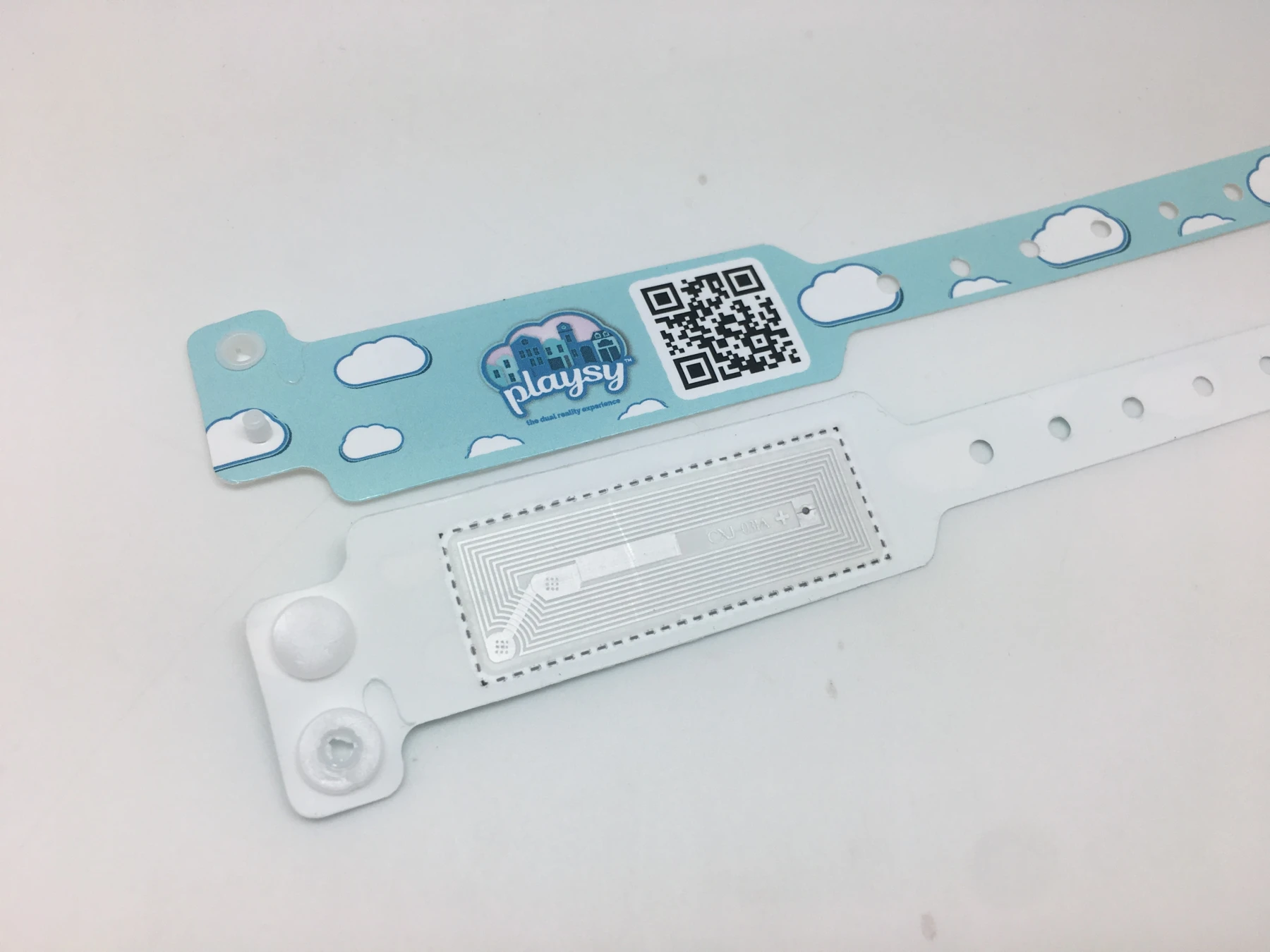
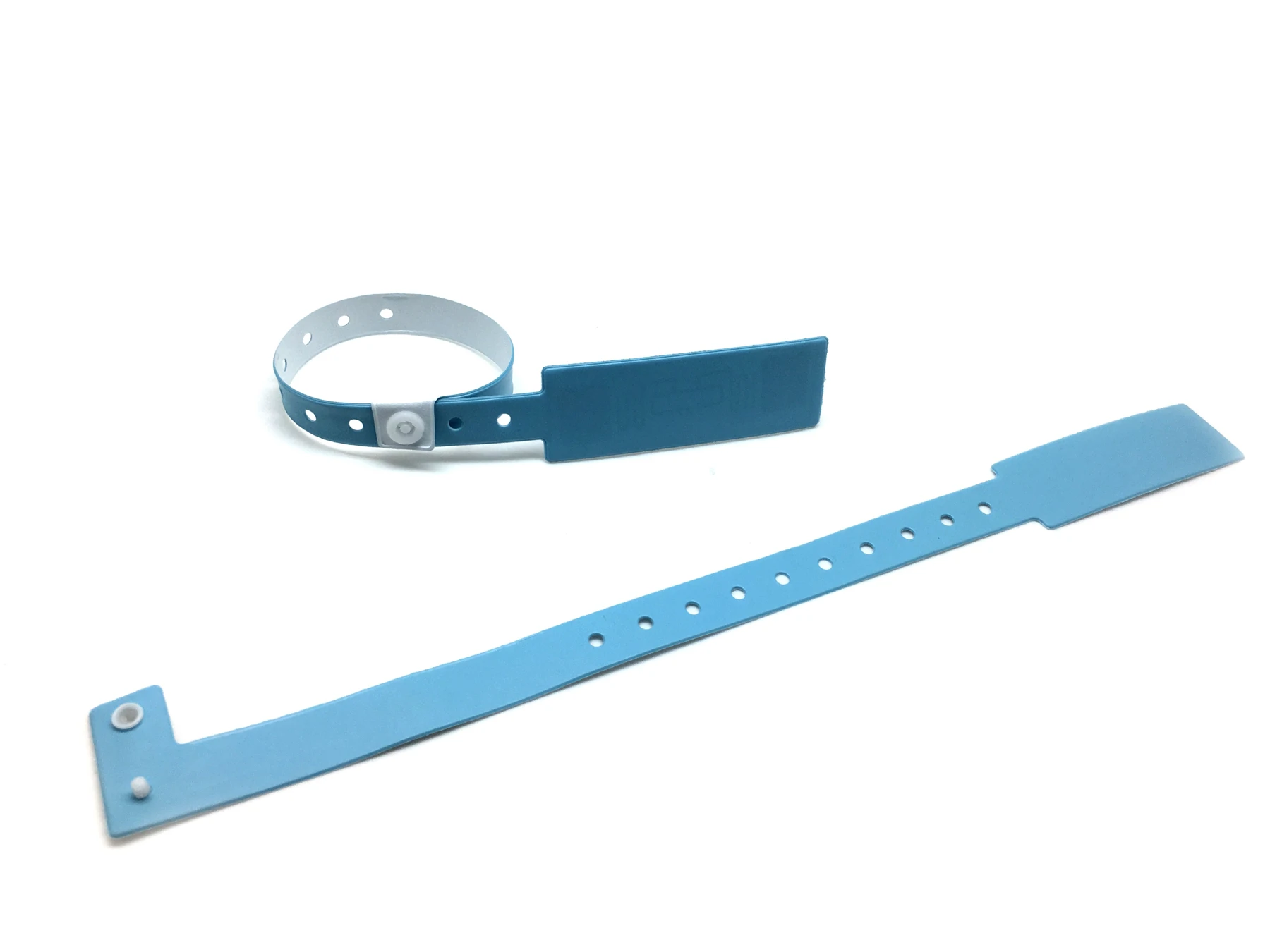
RFID, NFC, HF and UHF: confirm compatibility first
Can a phone read an RFID wristband?
The label “RFID wristband” or “13.56 MHz” alone cannot establish phone compatibility. NFC operates at 13.56 MHz, but reading also depends on the chip, protocol, data format, phone and app support. UHF wristbands require a compatible UHF reader; a phone’s built-in NFC cannot read them directly. Test wristband samples with the intended device, app and actual encoding before purchasing.
| Selection direction | Frequency | Protocol / device | Confirm before purchasing |
|---|---|---|---|
| NFC-compatible HF wristbands | 13.56 MHz | Confirm the NFC Forum tag type; Type 2, for example, uses ISO/IEC 14443 A. The device must support that type. | Chip model, tag type, NDEF or the required data format, and sample tests with the intended phone / app. |
| Other HF wristbands (NFC support unconfirmed) | 13.56 MHz | The reader must support the specific protocol and chip commands; the same frequency does not mean the same protocol or application. | Reader model, protocol and authentication or key requirements. Do not assume phone reading before verification. |
| UHF wristbands | 860–930 MHz: GS1 Gen2 standard range. Confirm the operating band for the deployment region. | GS1 EPC UHF Gen2; requires a compatible UHF reader. A phone’s built-in NFC does not apply. | Regional band, reader / antenna configuration, encoding rules and tests in the actual wearing conditions. |
RFID wristband purchasing checklist
| Purchasing information | Details to provide or confirm |
|---|---|
| Reading equipment and application | Reader or phone models, app / system name, country or region of use, and whether the task is reading, writing or authentication. |
| Chip and encoding | Known chip model, protocol, required data format, pre-encoding or on-site writing, and any locking or key-management requirements. |
| Samples and acceptance | Wristband material and wearing conditions. Verify samples with the actual equipment and encoding; define successful reading / writing criteria. Measure read distance in testing. |
Official sources for compatibility principles
- NFC Forum: NFC frequency and communication protocols ↗
- NXP: NTAG 213/215/216 Type 2 and ISO/IEC 14443 A specifications ↗
- GS1: EPC UHF Gen2 3.0.1 air interface standard ↗
These are technical principles and purchasing checks, not a compatibility or read-distance test report for a particular wristband. Citing chip documentation does not mean every product on this website uses that chip. Confirm the specific model and test samples.
Describe the identification action you need
Explain whether the wristband is for individual checks, passage identification, or another workflow, and who distributes, binds, replaces, and collects it. WEARAMIO treats RFID wristbands as a separate selection direction; list material, printing, and chip requirements individually. Appearance and category names do not replace chip parameters. Obtain specifications for the proposed configuration first.
RFID data formats, radio interfaces, and reader software interfaces address different requirements. For an existing system, have the integrator provide reader models and protocol requirements. For a new project, confirm the system design before selecting matching chips and wristbands.
- Confirm frequency band, protocol, chip model, memory areas, and required read/write permissions.
- Confirm whether the number is a factory identifier, a prewritten code, or a business identifier bound on site.
- Confirm whether the wristband quotation includes encoding, testing, and data delivery.
Test on site rather than relying on a demonstration range
Test sample wristbands with the intended reader, antenna, and business software. Record device settings, reading positions, and test counts. Observe performance while worn, in different orientations, and with multiple wristbands nearby. Read range should be a result under agreed conditions rather than a fixed promise removed from the site.
Also test unbound records, duplicate binding, incorrect codes, and replacement wristbands. If printed information is required, check whether the print area and chip position affect feeding, and verify the mapping between printed and system numbers.
Define consumables and integration responsibilities in the delivery list
Before ordering, specify chip and material versions, encoding file format, grouped packaging, batch records, sampling, and treatment of nonconforming items. State individually whether equipment, software, interface development, and deployment are included in the price; these cannot be inferred from the words “RFID wristband.”
For projects involving personal data, provide only fictitious identifiers for sample tests and have the system owner define necessary data and access permissions. An initial enquiry can include quantity, use case, and the equipment list, allowing the supplier to check available options.
RFID wristband sample test record
Compatibility information helps prepare a test; observed results must be recorded with the project equipment and system. Download the blank CSV, complete a separate record for each set of test conditions, and distinguish unconfirmed requirements from observations.
Download blank test record (CSV)- Use one record for each set of samples, equipment settings and site conditions. Copy a new record when any condition changes and retain the original results.
- Ask the purchasing or system owner to confirm acceptance criteria before testing. Mark unknown items for confirmation and explain items that do not apply.
- Record successful attempts and total attempts, including failures, exceptions and retest results; do not record only a successful demonstration.
- Use test IDs and test data, and reference supporting photos, logs or files. Do not enter actual user information or authentication keys in the record.
- At review, identify the approved sample version and test conditions. Recheck the scope after changes to the chip, encoding, equipment or system.
| Test item | Record before testing |
|---|---|
| Sample version and chip information | Record the sample reference, batch or version, confirmed chip model, protocol and information source; list unknown details for confirmation. |
| Equipment and system configuration | Record the reader or phone model, software and firmware versions, system environment, read/write settings and configuration version. |
| Test position and wearing conditions | Record the location, wearing position, distance and orientation, surroundings and any differences from the intended use conditions. |
| Reading and required writing | Identify the data to read and the success criteria. Test writing only when authorized and required by the project, then record the read-back check. |
| Chip, printed and business ID mapping | Name each ID, its source and format; use test IDs to check the correspondence between chip data, printed IDs and business records. |
| Import and binding workflow | Record the test file version, import fields, binding steps and expected system record; retain system responses and open issues. |
| Duplicates, replacements and exceptions | Before testing, specify the repeated reads, duplicate IDs, wristband replacements or failed reads that the project needs to check and the expected handling. |
| Retest and approval scope | Record issue resolution, retest conditions, evidence references and open items; identify the samples, configurations and use conditions covered by approval. |
Delivering RFID wristband numbers: map chip data to printed identifiers
This is a blank test record, not a test report or confirmation that a wristband has passed compatibility or performance checks. Complete the file locally; it is not automatically uploaded and does not send an inquiry.
Enquire about RFID wristbands and samplesHow to compare custom wristband quotes
Common questions
Can a phone read an RFID wristband directly?
Check the phone’s capabilities, wristband frequency, protocol, and application support. RFID, NFC, and phone compatibility are not interchangeable functions.
Does an RFID wristband include location tracking?
The name alone does not establish this. Location tracking requires appropriate devices and a system design; confirm capability, accuracy, and deployment conditions separately.
Can a standard wristband printer print RFID wristbands?
Confirm dimensions, chip position, and feed compatibility. If chip encoding is also needed, separately check whether the equipment supports the required encoding function.