WEARAMIO · Care in every band +86 186 6582 0632
PRINTABLE WRISTBANDS

Direct Thermal & Thermal Transfer Wristbands

Provide the complete printer model, current media details and a de-identified template, then compare direct thermal or thermal transfer and adult or child options. Use the actual equipment to check feeding, positioning, text and barcodes before discussing order quantities and delivery.

Applications

Printing patient informationHospital barcode identification workflowsAdult and child wristband requirements

Check before you select

  • Provide the current printer make and model
  • Distinguish direct thermal from thermal transfer printing
  • Provide only de-identified or fictitious print templates; do not send patient names, admission numbers, or other actual patient data

Compare wristband directions for your requirements

Complete and send an inquiry

Printer fit checklist

Choose a printing direction, then check the equipment, consumables and de-identified layout together. These two references support adult wristband enquiries; actual dimensions and configuration need confirmation.

Printable wristband purchasing scope

  • Printer and consumable matching
  • Information layout and scanning steps
  • Pack quantities and sample records
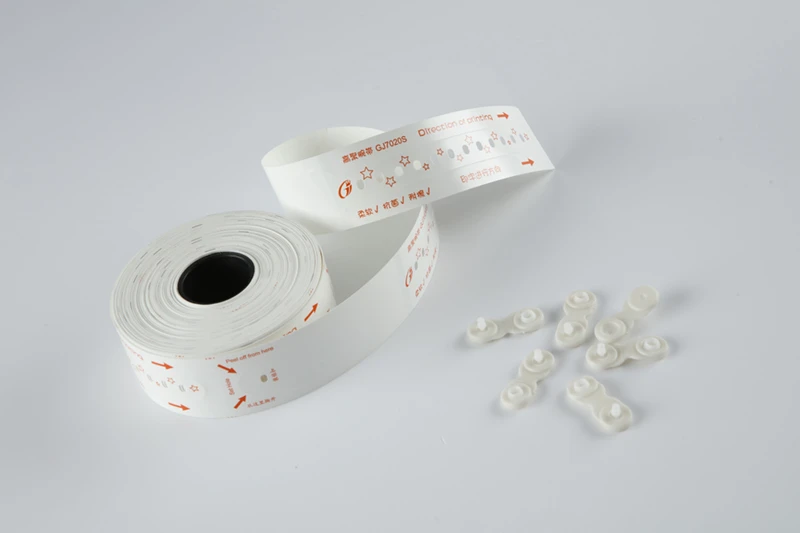
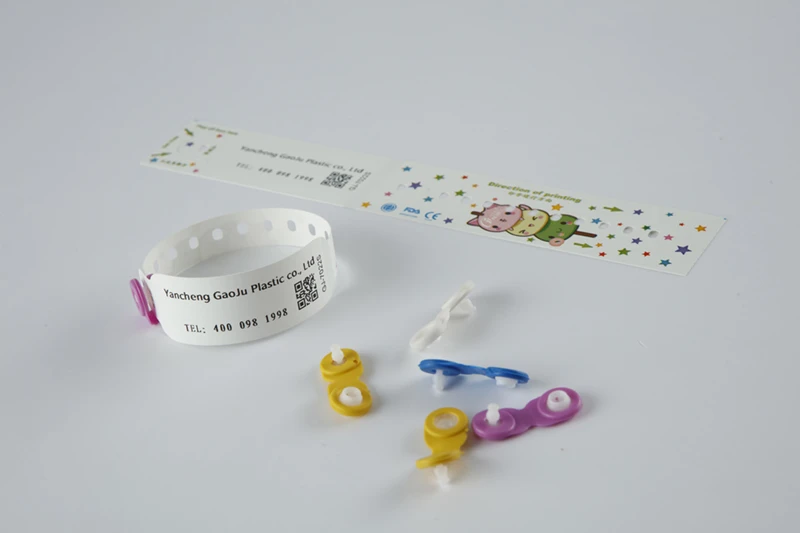
Photo of Adult direct thermal wristband
Selection reference WAM-66

Adult direct thermal wristband (Barcodes and fields)

Direct thermal direction: start with barcodes, text fields and reading actions.

Printing setup
Share the printer model, media dimensions and sensor-position details to check the direct thermal option.
Layout and reading
Use a de-identified template to check field length, print orientation and scanning on the specified equipment.
Samples and packing
Confirm fit range, closure and pack quantities, and retain the trial-print settings.
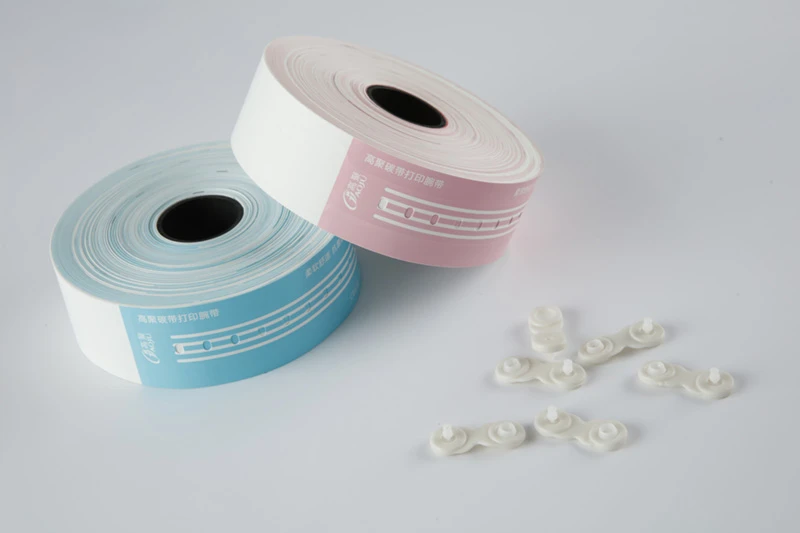
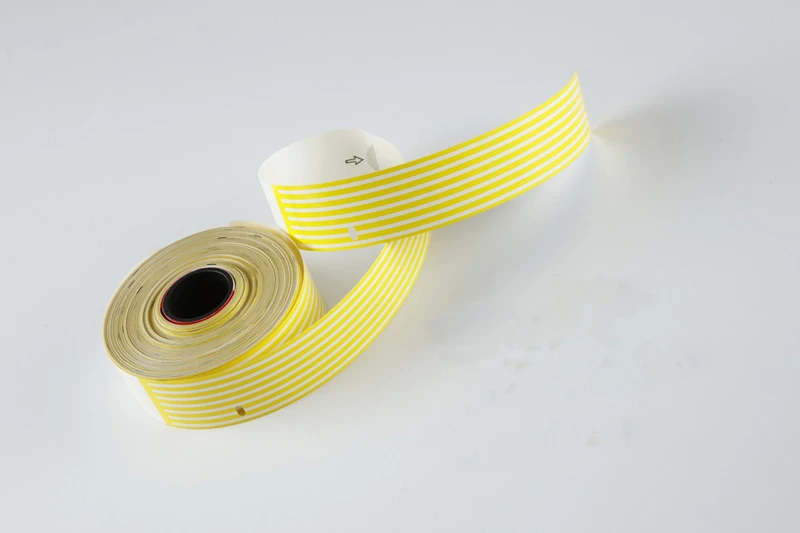
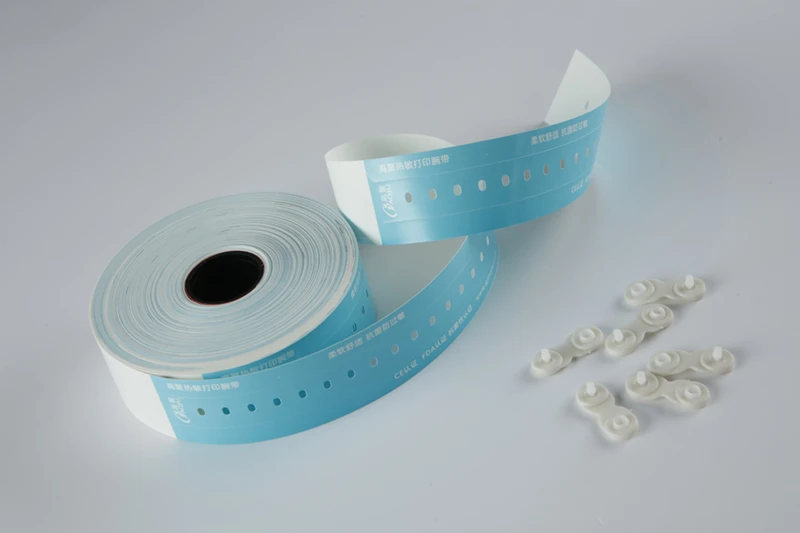
Photo of Adult thermal transfer wristband
Selection reference WAM-107

Adult thermal transfer wristband (Batch printing)

Thermal transfer direction: check wristbands, ribbon and batch-print settings together.

Printing setup
Share printer and current ribbon details to check the media, ribbon and print-setting combination.
Layout and reading
Use de-identified batch data to check continuous printing, scanning and results after consumable changes.
Samples and packing
Describe batch and pack quantities, and record the approved sample and sampling method.

Use the selection reference when enquiring. Confirm specifications, minimum order quantity, sample terms, pricing and delivery dates for your project.

Selection directory 5 entries

All categories

Procurement questions

Can one direct thermal wristband replace another without testing?

The printing method alone does not establish compatibility. Review media formats, dimensions, positioning methods and printer requirements, then verify feeding, printing and barcode reading on the actual equipment.

Do printable wristband sample tests require patient information?

No. Use fictitious data or a de-identified template to show field lengths, barcode types and layout. Also provide the complete printer model, current media and intended use conditions.

LET’S FIND YOUR SOLUTION

Your next wristband project starts here.

Share your application, quantity and customization requirements to explore the right options.

Complete and send an inquiry
Call usRequest a quote